
Blak Drive
Keep files organised. Share them with the right people.
OpenCloud Blak WorkspaceBY YUMA ITGitHub
Open source. Self-hosted. By Yuma IT.
Your team does the work.
Your team should hold the keys.
Blak Workspace brings files, documents, chat and projects onto infrastructure you control. Read the code. Adapt it to your needs. Have a say in what comes next.
In early development. Talk to us about a deployment.
A minute across the workspace: Drive, Docs, Draw, Forms, Chat, Knowledge, BlakEyes, Cloud and Flow, all behind one Blak ID sign-in.
Recorded on our running reference deployment on . The screens show test data.
Files, office editing and field tools, brought together in a shared workspace.
Captured from our running reference deployment on . These screens show test data and workspaces getting started.
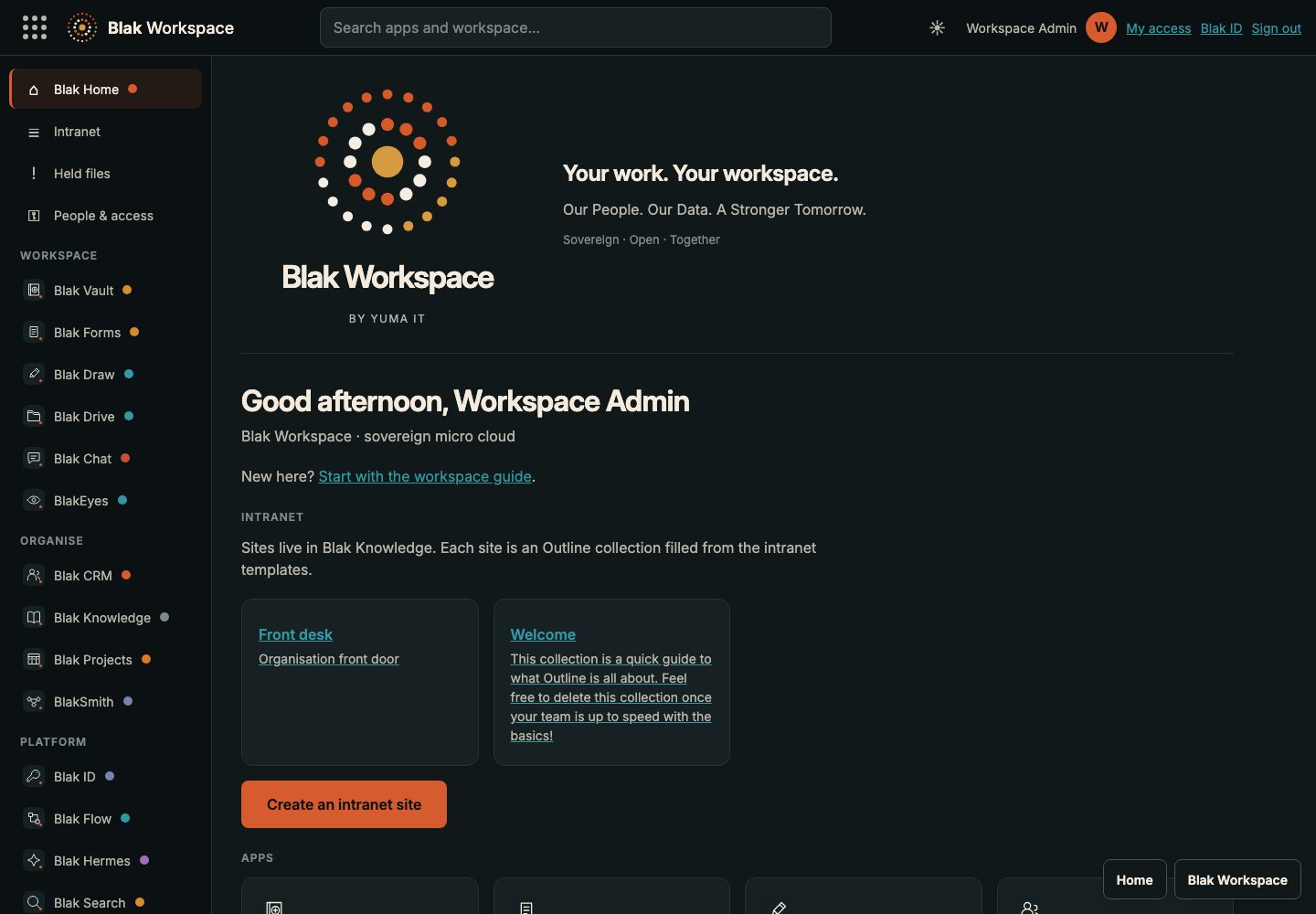 View full size
Shared navigation, app access and intranet collections.
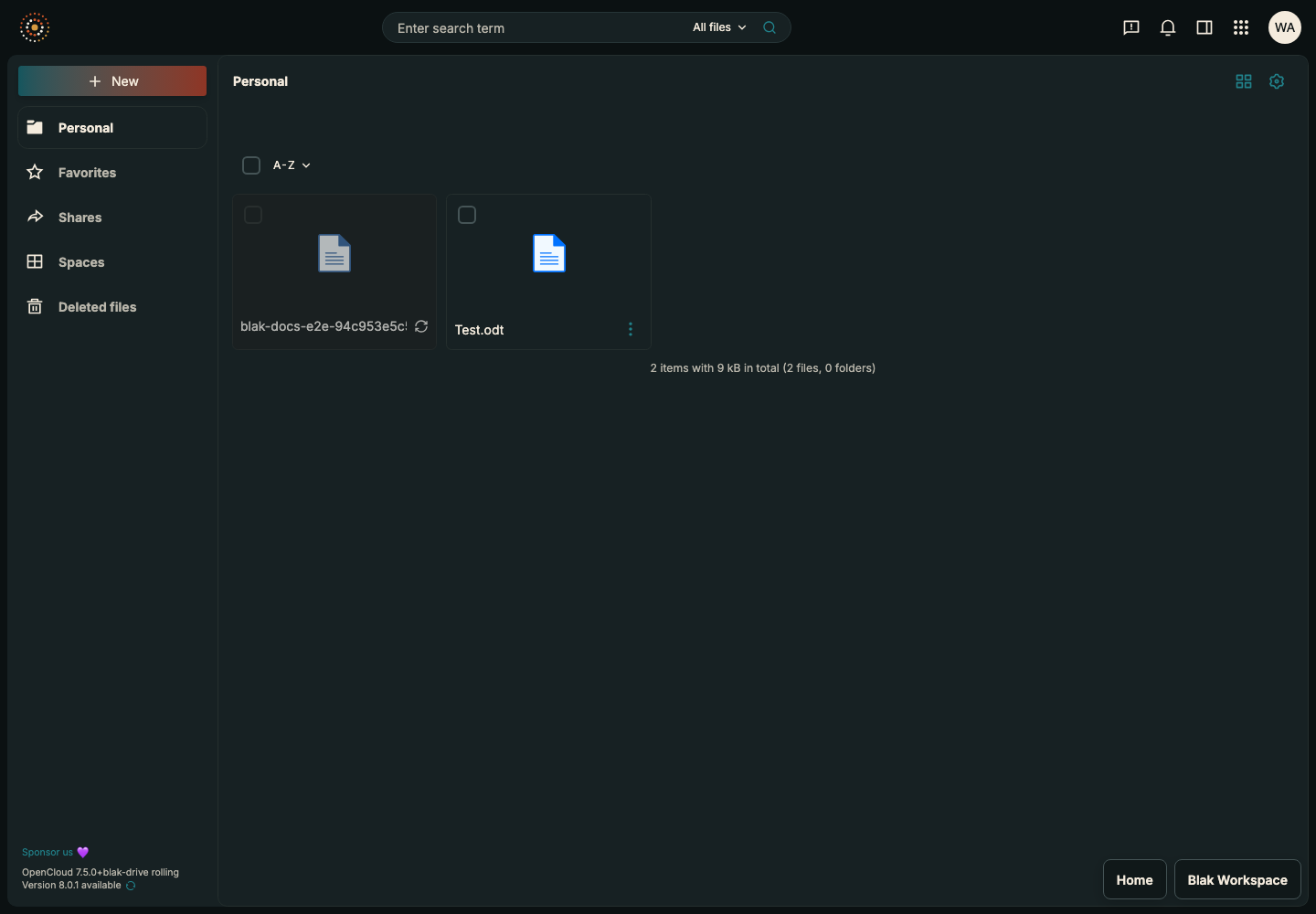 View full size
One home for files, documents, spreadsheets and slides.
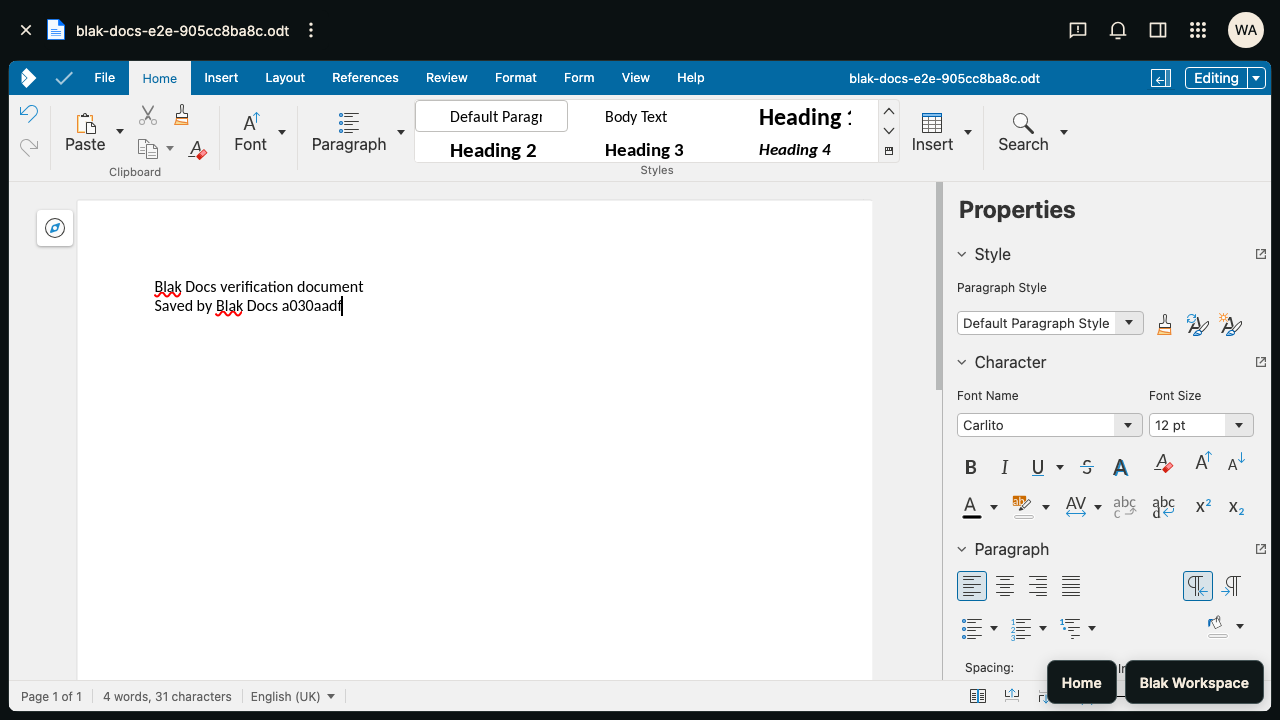 View full size
A test document edited and saved with Collabora.
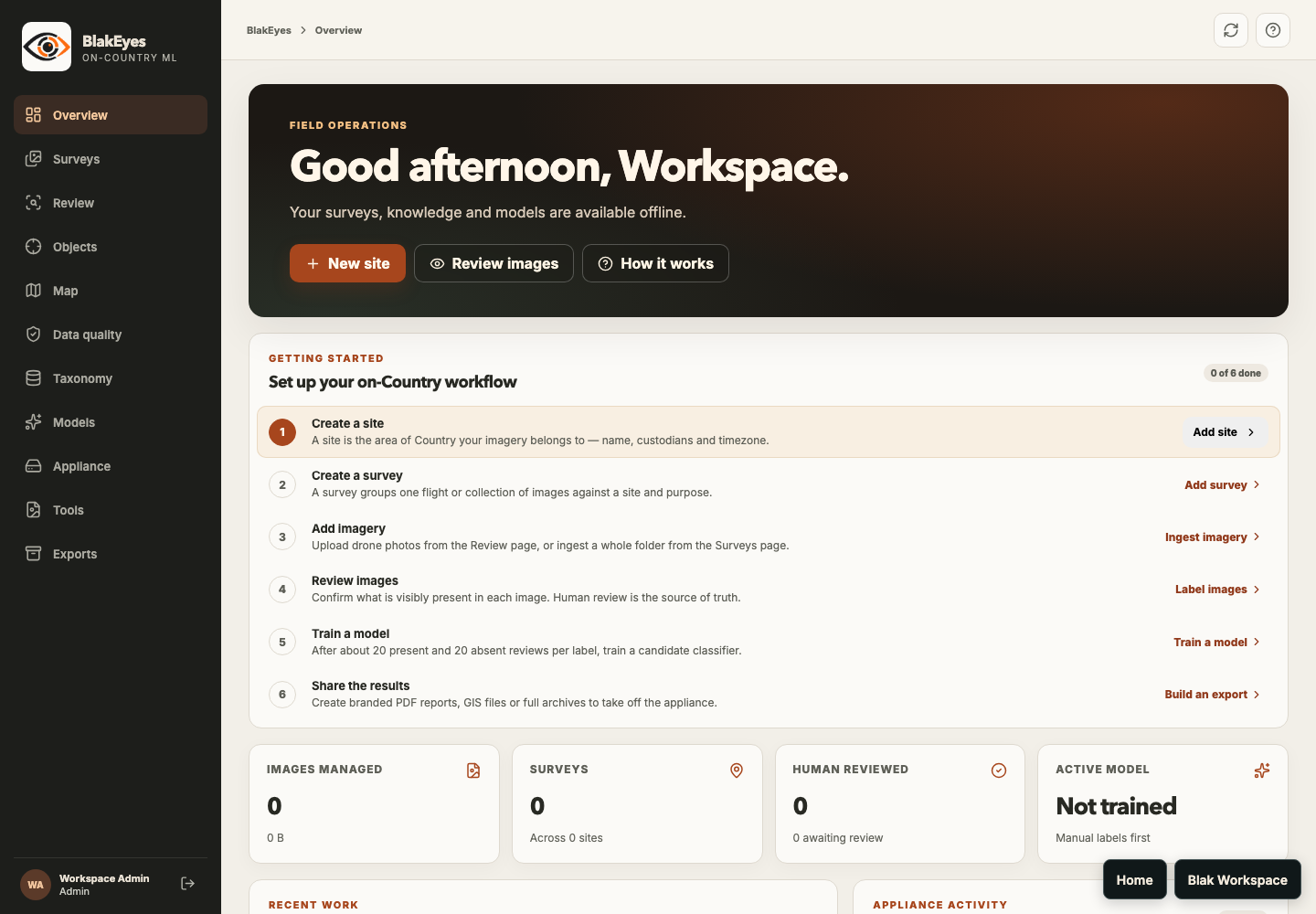 View full size
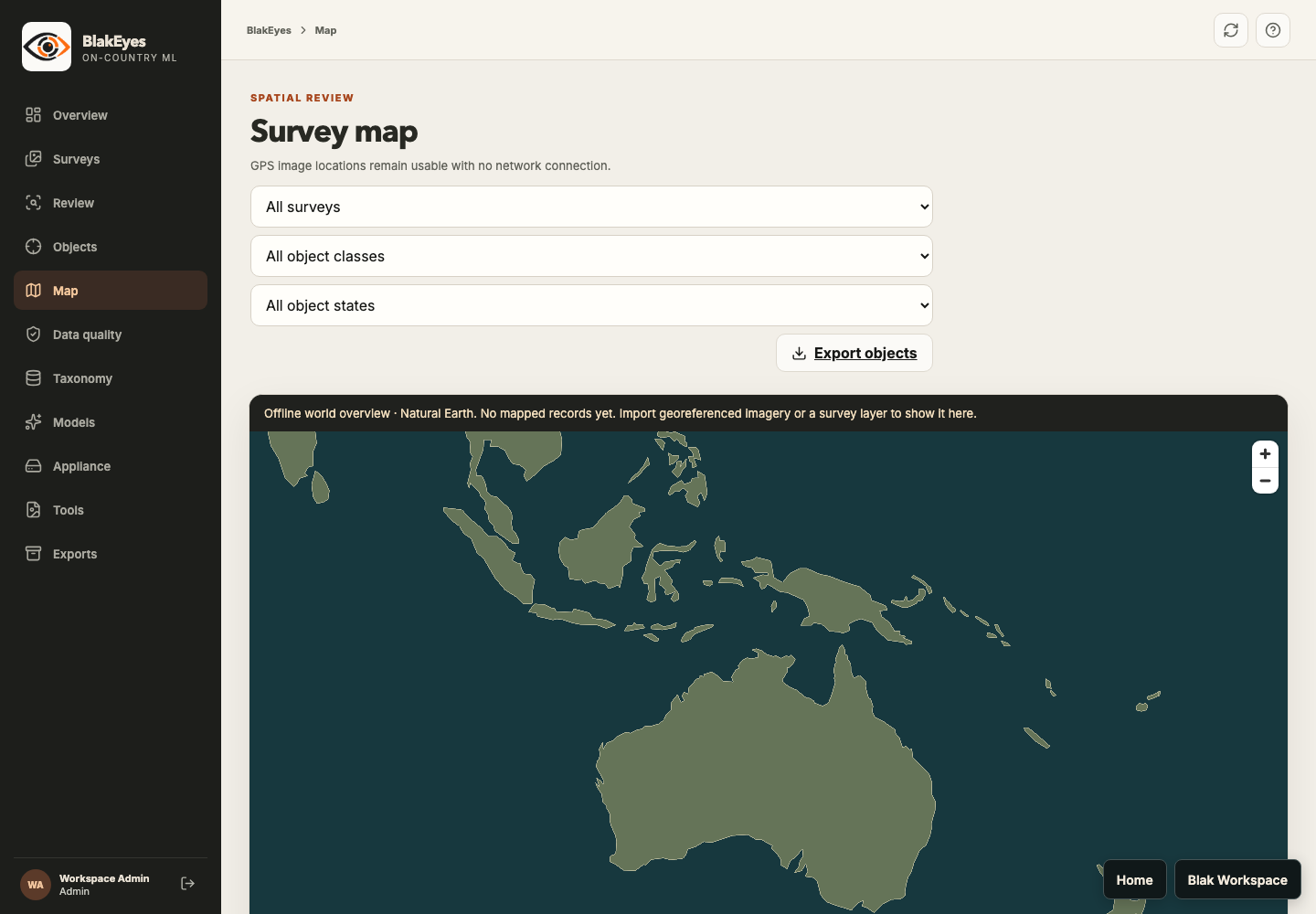
The field workflow, from surveys and imagery to review and models.
 View full size
The offline world overview, ready for survey data.
 View full size
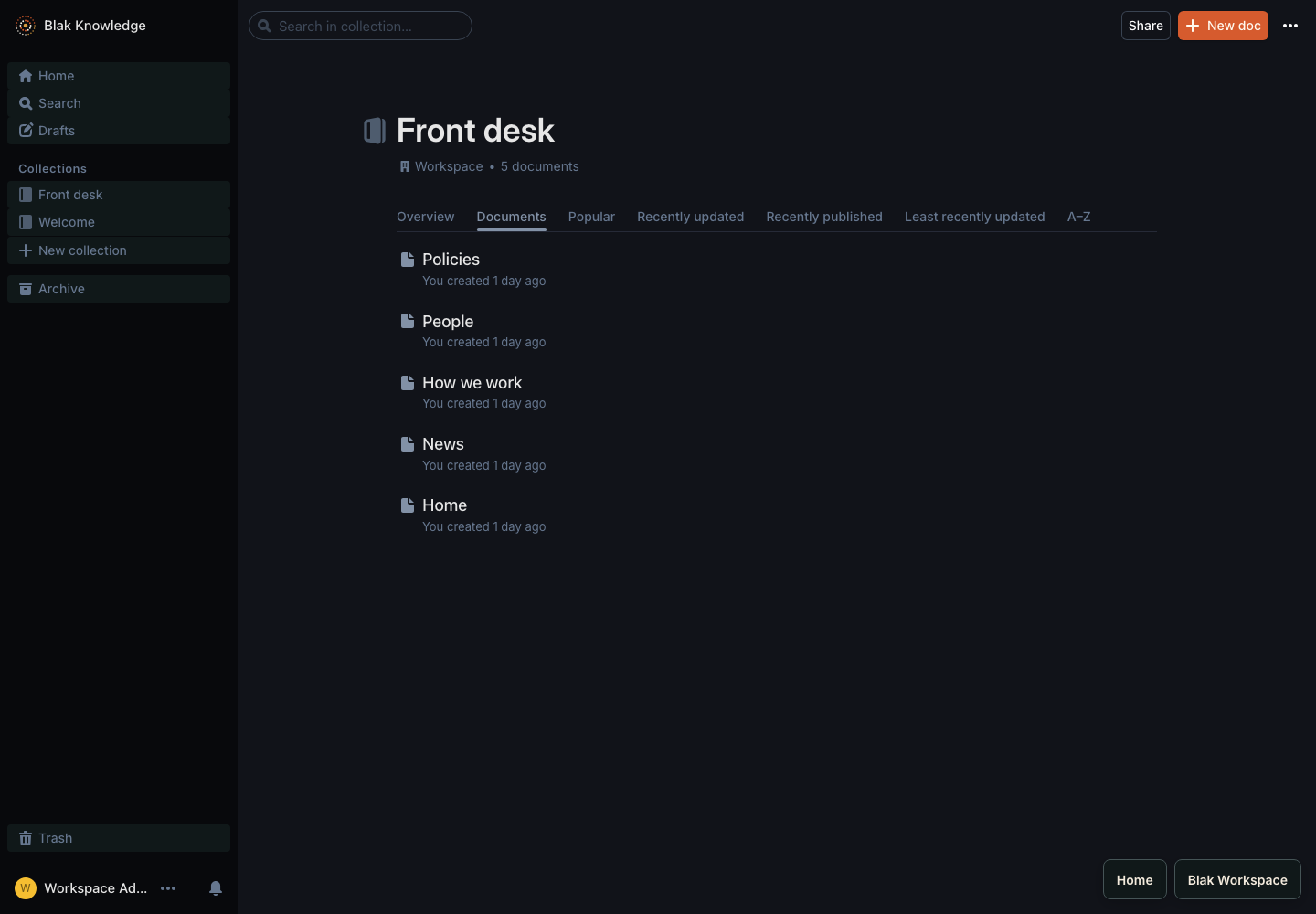
An intranet collection with five starter pages.
 View full size
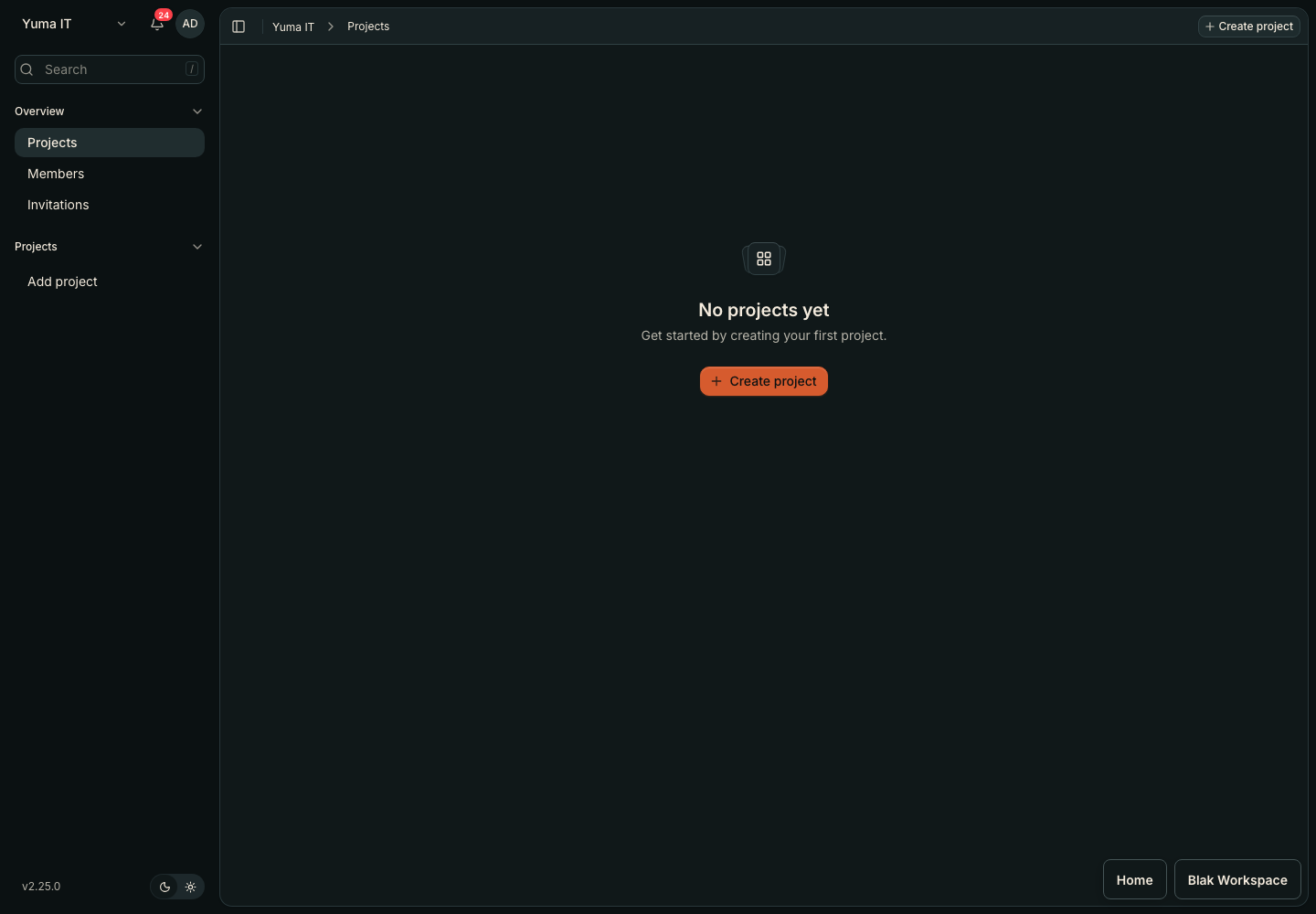
A shared workspace ready for its first project.
 View full size
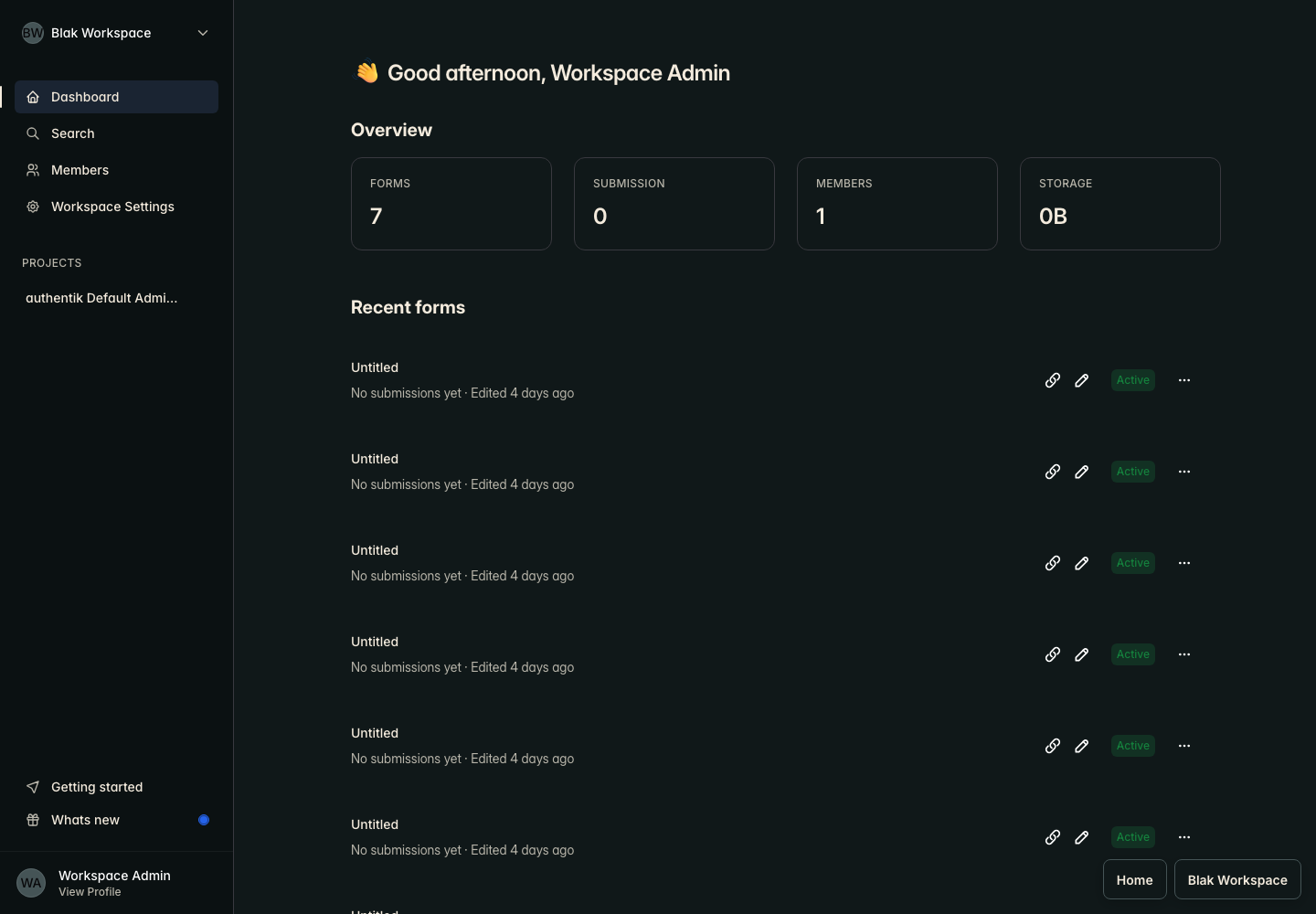
Test forms and submissions in the workspace dashboard.
 View full size
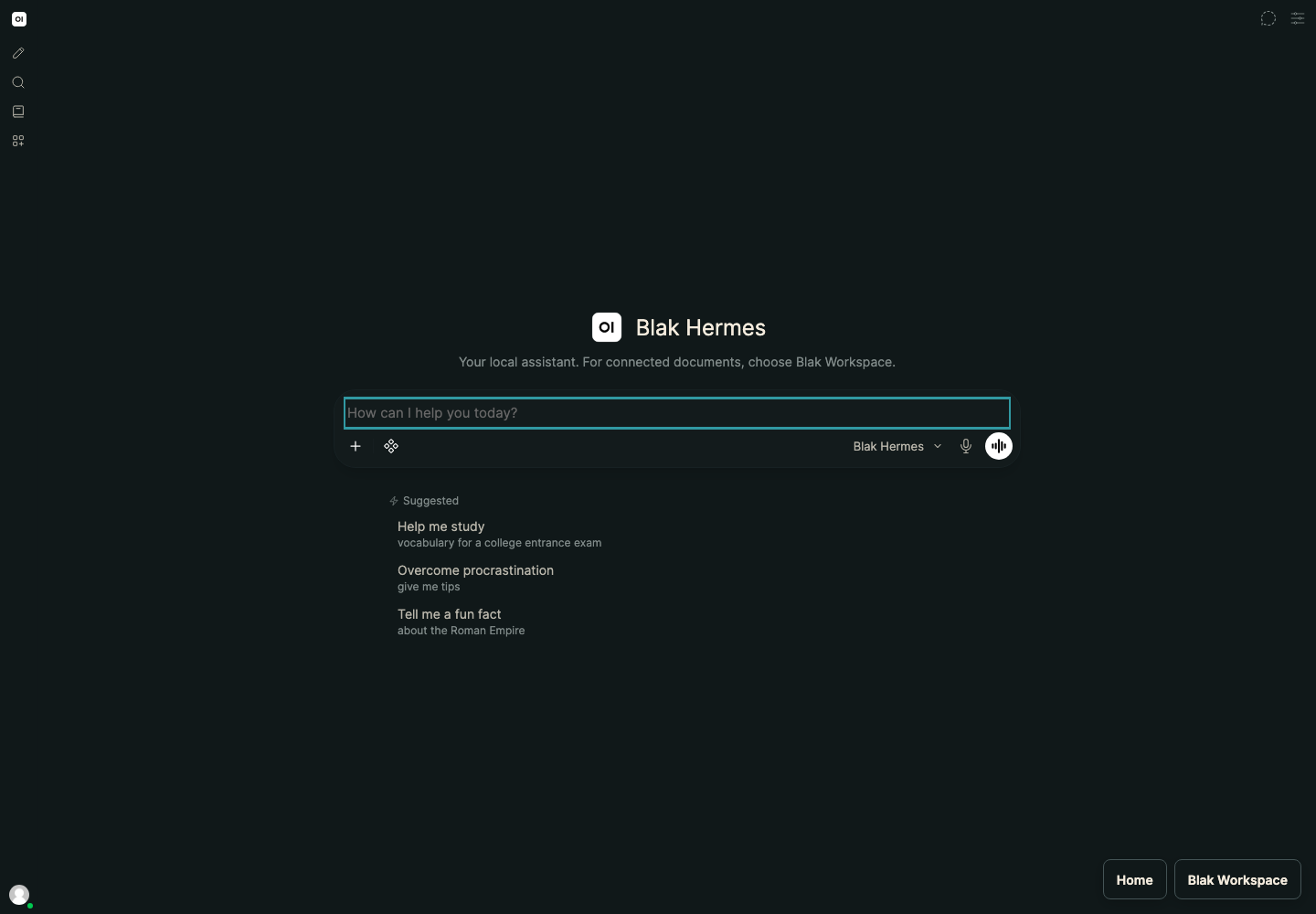
The local assistant, ready for a conversation.
 View full size
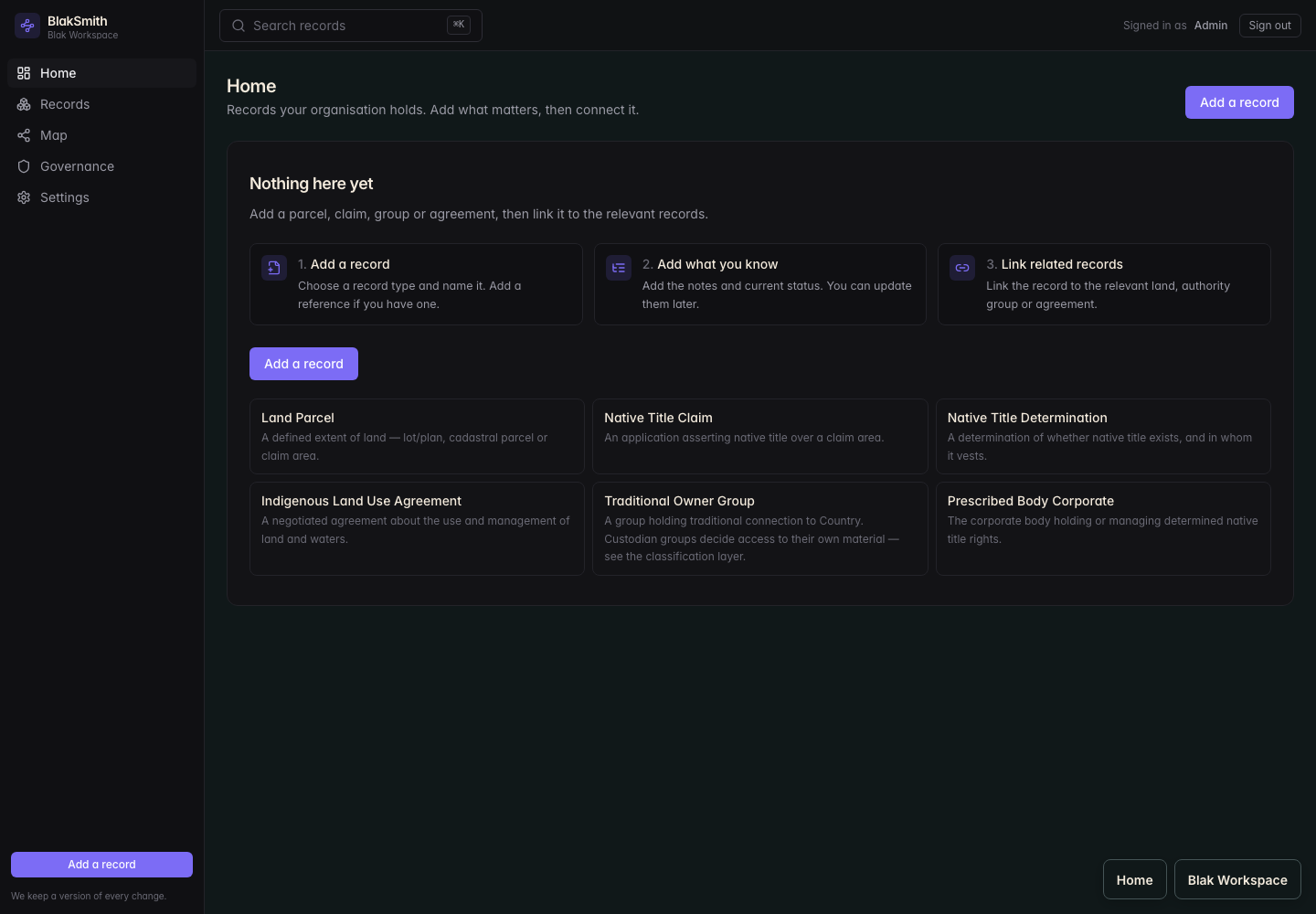
Records and relationships for land, title and Country.
 View full size
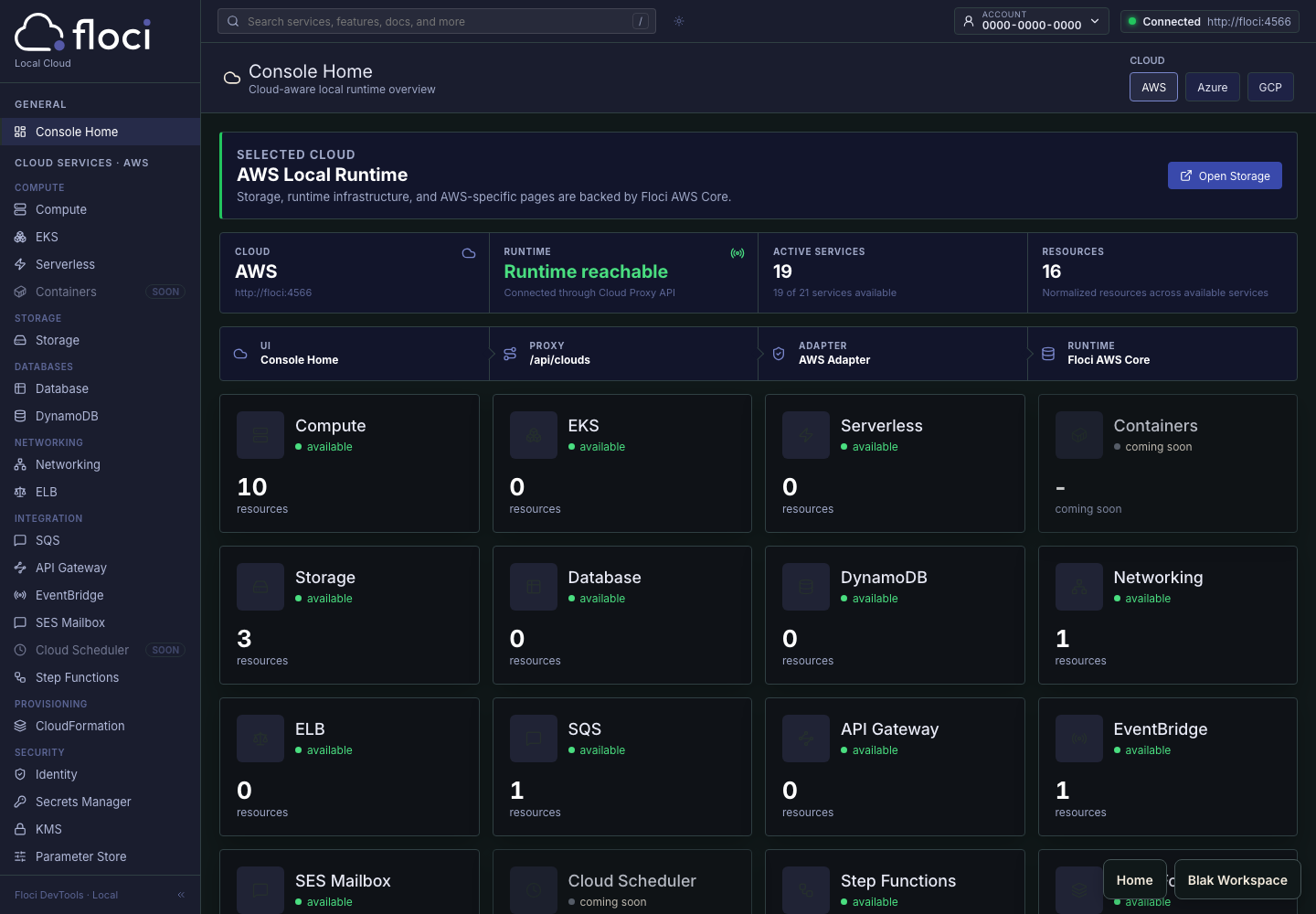
The Floci local cloud runtime console.
 View full size
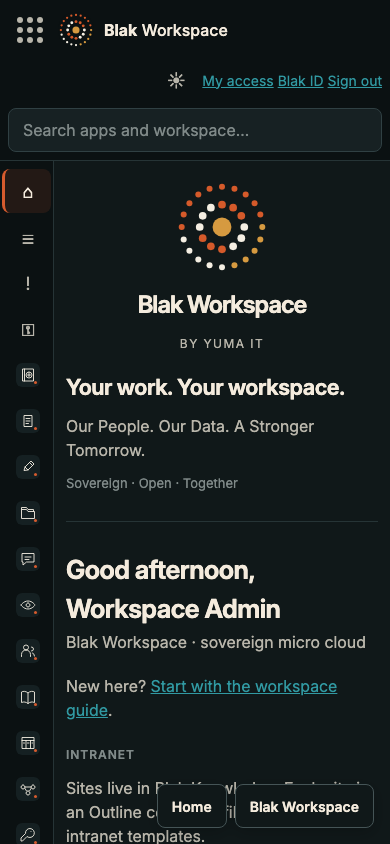
Home and app navigation at a phone-sized viewport.
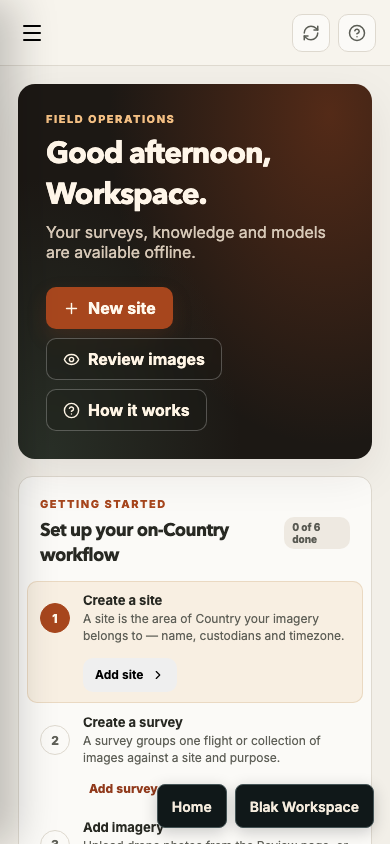 View full size
The field operations overview at a phone-sized viewport.
Shared files. A conversation with your team. A plan you can act on. Established open-source projects, brought together as Blak Workspace.
Keep files organised. Share them with the right people.
OpenCloud
Work together on documents, spreadsheets and presentations.
Collabora
Talk with your team in shared channels and direct messages.
Rocket.Chat
Plan projects, assign tasks and track progress on boards.
Kaneo
Write guides, document decisions and share team knowledge.
Outline
Manage leads, contacts, organisations and deals.
Frappe CRM
Collect the information you need with forms and surveys.
HeyForm
Think visually with private diagrams and drawings.
ExcalidrawAlso included: Blak ID for identity, Vault for passwords, Flow for automation, Search, Cloud and Hermes.
You can inspect how it works, change what you need and build on it. The BlakWorkspace code is public, under Apache 2.0.
Choose where your workspace runs. Set your own access policies. Keep your organisation’s knowledge on infrastructure you manage.
Found a bug? Have an improvement? Use the GitHub repository to raise an issue, discuss an idea or contribute a change.
Integrated projects retain their own licences. Blak Workspace gives those projects a shared home and credits the people who build them.

Blak Hermes runs local models through Ollama and Open WebUI. You choose the model and the hardware.
Connect workspace knowledge for the content owner, with access boundaries applied to connected sources. Discuss your data, hardware and model requirements before deployment.
Ask about HermesYes. The BlakWorkspace repository is public on GitHub under Apache 2.0. You can inspect, use, modify and redistribute that code under its licence. Integrated projects retain their own licences; check those when deploying or distributing the complete stack.
Blak Workspace is a self-hosted collaboration platform by Yuma IT. It brings open-source tools for files, documents, chat, knowledge, projects and more into a shared workspace with a consistent look and Blak ID identity management.
Blak Workspace is in early development. Contact Yuma IT to discuss a demonstration, your requirements and whether an early deployment is a good fit. There is no public self-service sign-up yet.
Blak Workspace is designed to run on infrastructure you control. Your hosting location, access policies and backup arrangements are part of your deployment. Talk to Yuma IT about the setup your organisation needs.
Blak Hermes uses Open WebUI and Ollama for a local AI assistant. Workspace content can be indexed for the content owner, with access boundaries applied to connected sources. Model choice and hardware depend on your deployment.
Blak Docs uses Collabora for documents, spreadsheets and presentations, with files stored in Blak Drive. Discuss your existing formats and migration needs with Yuma IT so compatibility can be checked before you move.
The repository is available under Apache 2.0. Infrastructure and operating costs depend on your deployment. Pricing for Yuma IT setup and support is not published yet; contact us with your requirements.
Explore the project on GitHub, or talk to Yuma IT about running Blak Workspace for your team.
Bring your requirements. We’ll work through hosting, migration and support with you.
hello@yumait.com.au